Avatar Authoring - Facial Animation

Facial Animation in kemorig is performed with morph targets (AKA “blendshapes or “shapekeys”). Facial Animation includes Face Tracking and Lip Sync.
Facial Mappings
In order for kemorig to play your model’s morph targets, it needs to know how they map to kemorig’s internal list of shapes.

These mappings are defined in the Facial Mappings asset. The New Avatar Tool creates this asset when it creates an Avatar.
Auto-Detecting Morph Targets
The New Avatar Tool auto-detects moph targets when creating an Avatar, so you will find that mappings should already be set for you.
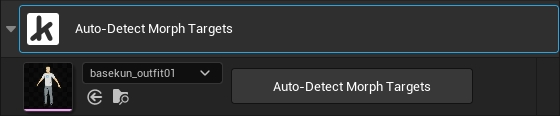
In addition, at the top of the Facial Mappings details you will find a button to auto-detect morph targets, which you can trigger again whenever you like.
Face Shape Debug
In the kemorig app, and when testing in-editor, you can view a debug display showing the strength of all morph targets.
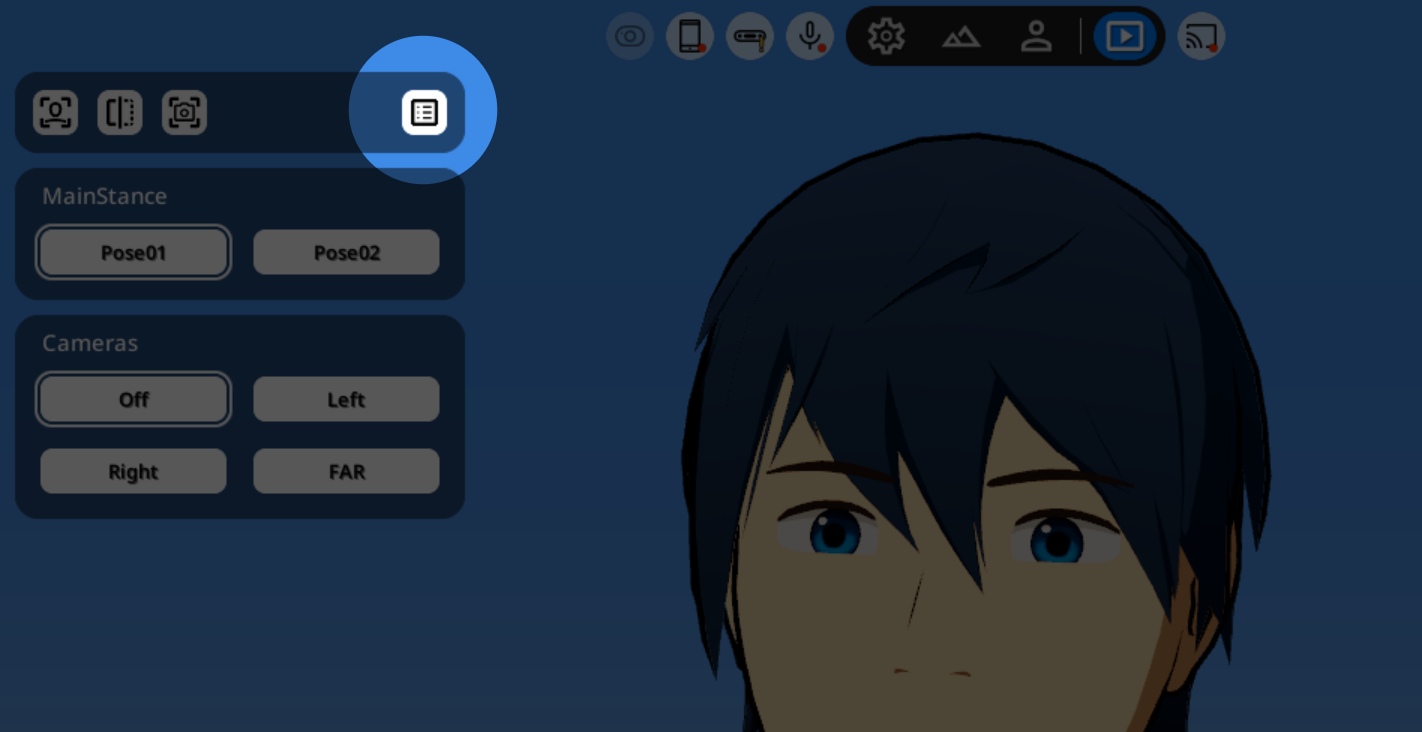
To open it, click this button in the Live Controls.
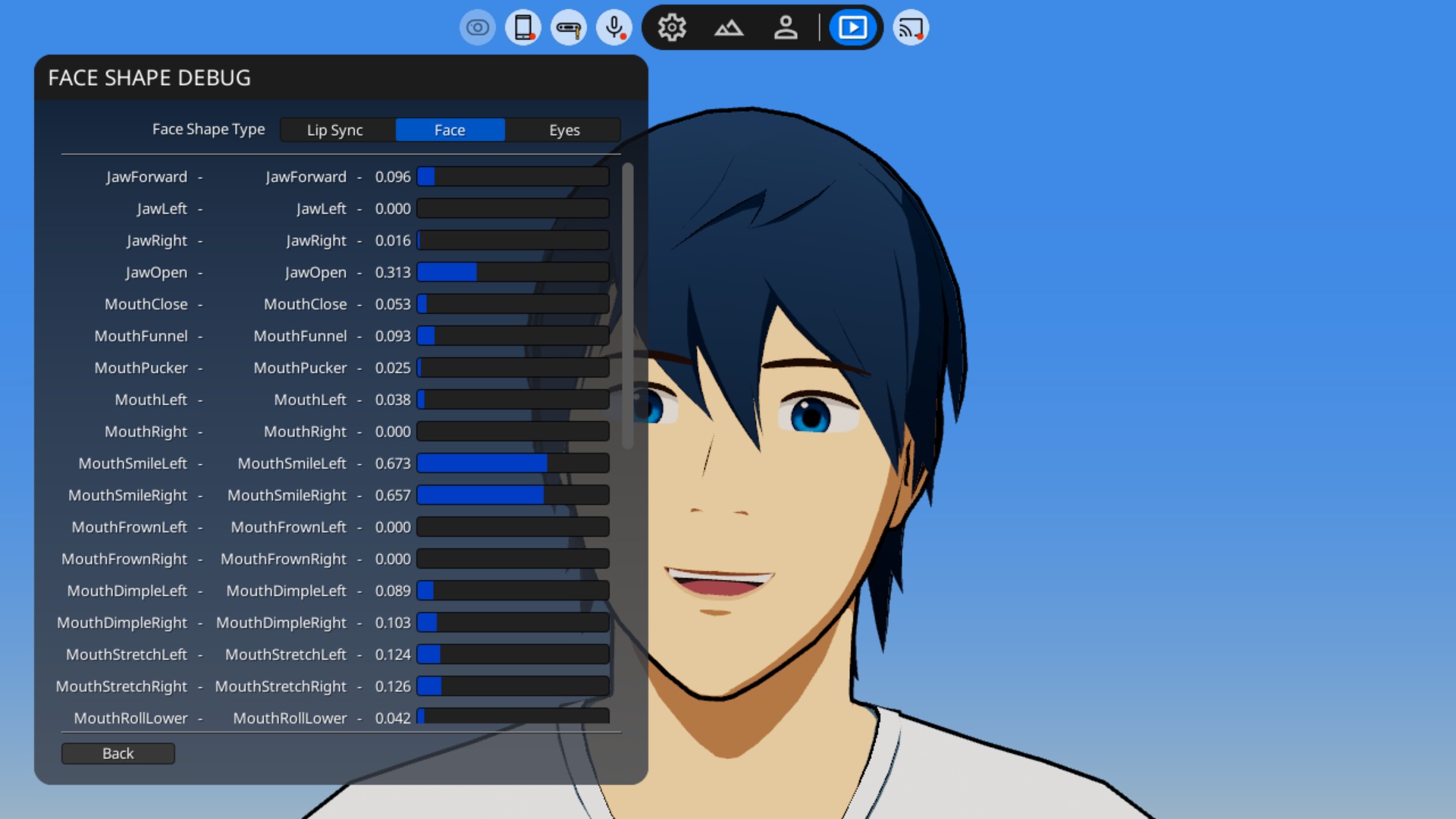
This is useful when troubleshooting issues with your Avatar’s facial animation.
Tweaking Facial Animation
Morph Target Settings
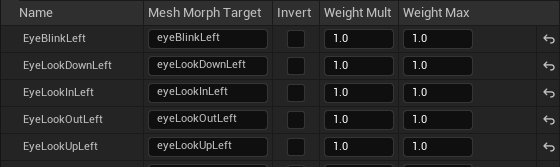
Within the Facial Mappings asset, you can adjust each morph target in the following ways:
- Invert
- Weight Multiplier
- Weight Max
Motion Settings
You can also use Motion Settings to adjust the strength of facial animation.
- In the Face and Eyes category, you can adjust Face Tracking weight.
- In the Lip Sync category, you can adjust Lip Sync weight.
Facial Animation Topics
For more information and tips on getting the best results, see pages on individual facial animation topics:

Hand Tracking
How to set up hand and finger motion for your avatar